When reviewing your reports in CELUS, you may occasionally notice the same journal listed multiple times. These duplicates often appear with slight variations in the title (e.g., with or without "The", or using "and" vs. "&"), or they may have different—and sometimes unusual—identifiers, such as a journal having multiple ISBNs instead of a standard ISSN.
This article explains why this happens, how it affects your statistics, and how you can manage these duplicates to get accurate usage data.
.avif)
The short answer is that publisher metadata can be highly inconsistent. CELUS processes and handles more than 3 million journal titles. Because of this massive volume, it is impossible to manually curate or alter the data. We display the data exactly as we receive it from the publishers. It is entirely up to the publishers to assign identifiers and format their titles. This leads to a few common anomalies:
When you see multiple listings for the same journal, these are duplicate records of the same overarching title.
To understand the true total usage of that journal across your institution, you should sum up the usage statistics of all the overlapping records. They should not be treated as distinct publications, but rather as fragmented data for a single publication.
To ensure you are capturing every variation of a messy title, adjust your search parameters.
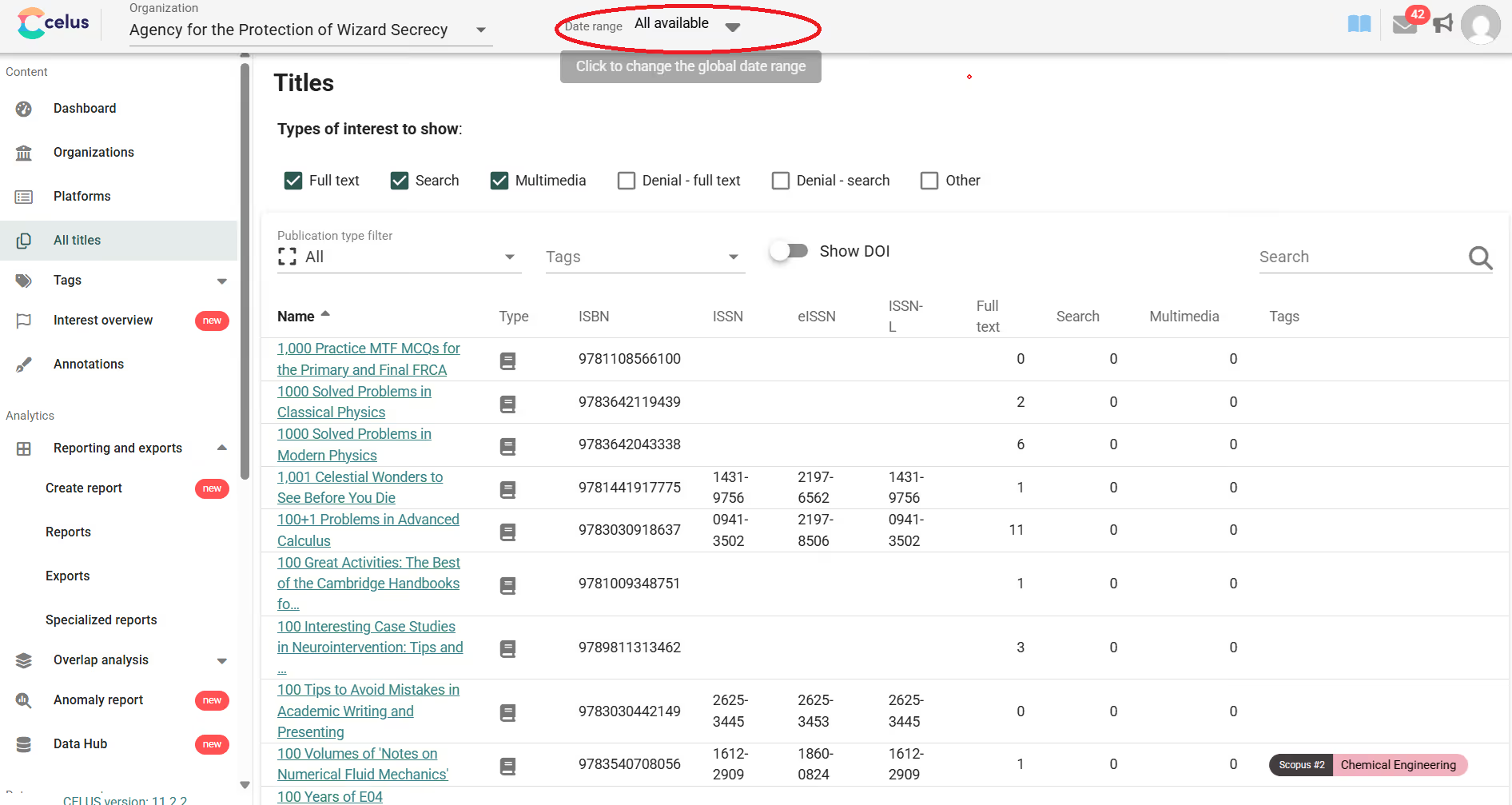
Currently, the most effective way to combine the usage of duplicate titles into a single, clean statistic is to use CELUS's Tagging feature.
Journal of Aesthetics and Art Criticism).Pro-Tip: Using this tagging method will automatically aggregate the usage of all tagged variations into one combined metric, saving you from having to manually add the numbers together in an exported spreadsheet.
Learn how to use Tags in CELUS
We understand that dealing with publisher data inconsistencies can be frustrating. We are actively working on a new reporting feature, expected to launch in the coming months.
This update will introduce a "Merge rows by" function. Once you generate a list of results, you will be able to easily merge rows by Title, ISSN, or other identifiers directly within the platform, allowing for simple, automated deduplication of your results.